- Platforms
- PC
- Stores
- Steam, itch.io
- Price
- Free
- Rated
- Very Positive on Steam (89% of 1,054 reviews)
- Length
- 25 to 30 minutes
- Players
- 1
- Controls
- WASD to move, mouse to look, Shift to sprint, Alt to walk, E to use, F for the flashlight
- Made by
- Gemezl
- Released
- 2024
What frightens As a police officer you drive out at night to investigate a recent mimic attack, question the people of a dark trailer park and search homes, a store and the woods by flashlight, knowing the thing you have been sent to locate and neutralize could be anywhere around you.
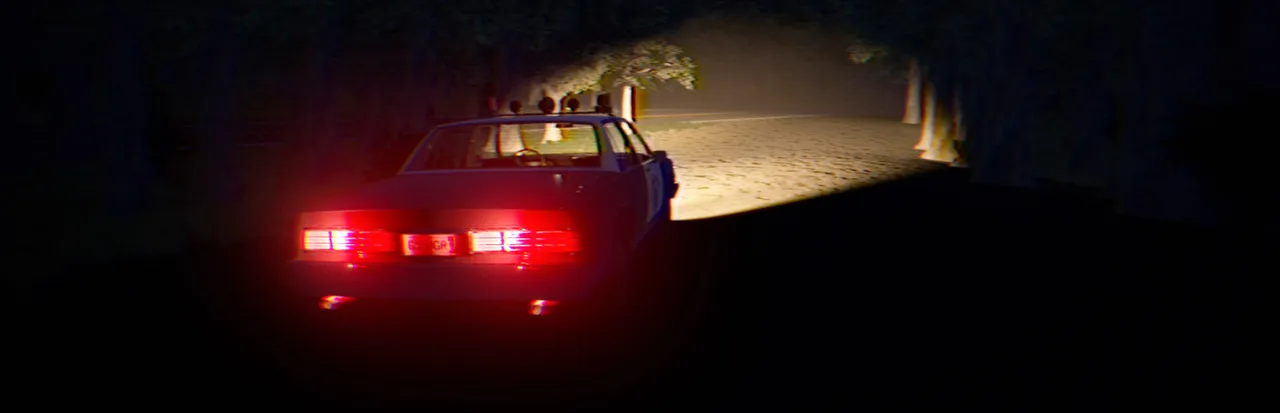
Mimic Search is a free, short first-person horror game with a VHS look. As a police officer you investigate a recent mimic attack around a dark trailer park, talking to residents and searching by flashlight for the creature you must locate and neutralize.
About Mimic Search
Mimic Search is a free game by the solo developer Gemezl, released on Steam in May 2024 and also on itch.io. The maker describes it as a short creepy horror experience with VHS aesthetics, atmospheric ambience and open-world horror, and puts the average playtime at 25 to 30 minutes.
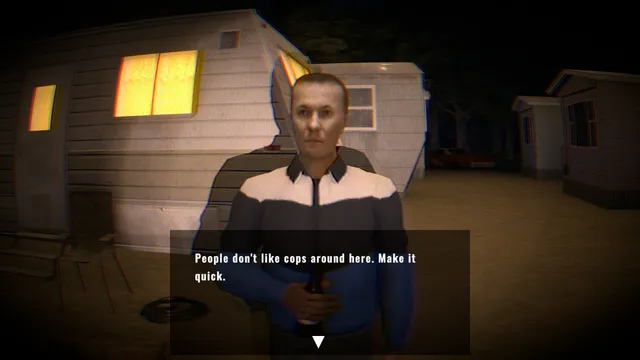
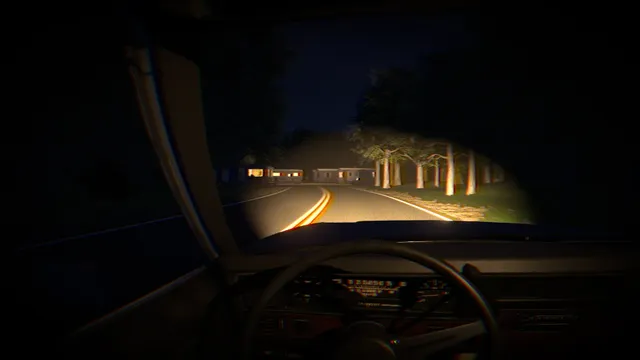
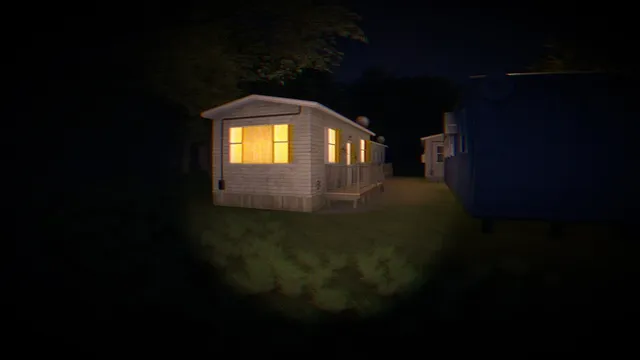
You play a police officer sent to investigate a recent mimic attack. Your job is to locate the mimic and neutralize it to keep the area safe. You drive your patrol car along unlit roads, stop at a trailer park where a resident tells you people do not like cops around there, and search trailers, a small store and a camp in the woods with your flashlight.
There is little action; it is mostly exploring and talking, with the dread of not knowing where the creature is, in grainy night footage with volumetric light. Players call it a fun little indie horror game, and some are let down by the ending and the monster.
It suits players who want a quick, free horror walk in the dark, like the Fears to Fathom episodes on a smaller scale.
How to play Mimic Search
- Drive your patrol car to the scene of the mimic attack.
- Talk to the residents for leads on where the mimic was seen.
- Search the trailers, store and woods with your flashlight.
- Follow the clues to the mimic's location.
- Neutralize the mimic to keep the area safe.
Screenshots
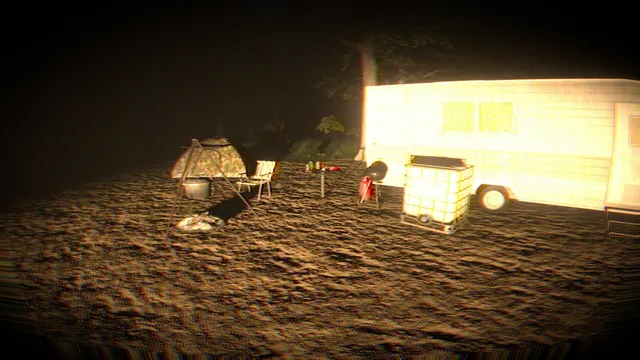
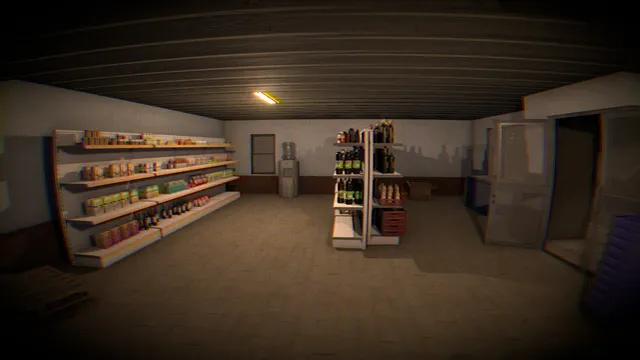
Tips
- Press F for the flashlight; most of the area is unlit.
- Hold Alt to walk slowly when you want to listen to the woods.
- Talk to everyone before you search; the residents point you where to go.
Questions
Is Mimic Search free?
Yes, it is free on Steam and itch.io.
How long is Mimic Search?
Its maker gives an average playtime of 25 to 30 minutes.
Is it related to Five Nights at Freddy's: Secret of the Mimic?
No. It is an unrelated indie game about a police officer hunting a creature called a mimic.
What platforms is it on?
Windows, through Steam or itch.io.
Ratings and reviews
No ratings yet. Be the first to rate Mimic Search.
If Mimic Search frightened you
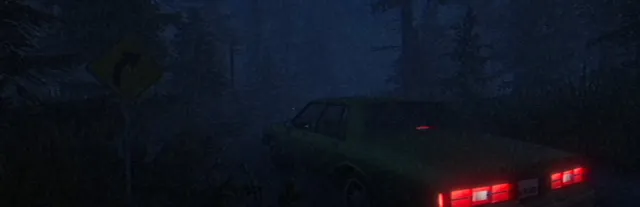
Fears to Fathom - Norwood Hitchhike
A night drive down dark forest roads, a lonely stop and strangers who make the ordinary feel…
PC
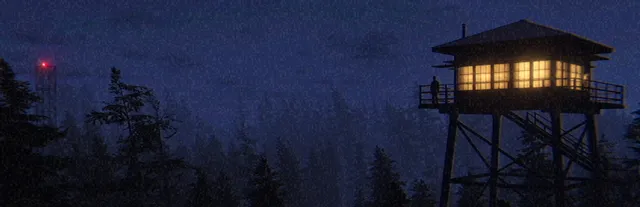
Fears to Fathom - Ironbark Lookout
Alone in the woods with a job to do and the feeling that something out there is off.
PC / PlayStation
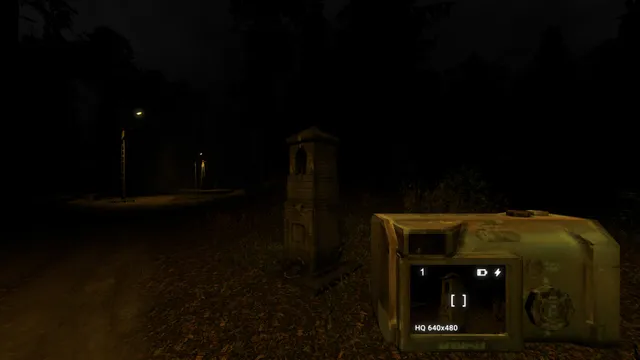
Krypta FM
Go out at night with a flashlight to track down a creature locals have reported, in a short…
PC
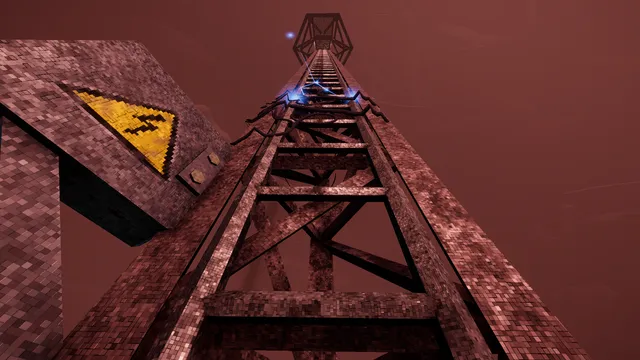
The Radio Tower
Sent to do a job near a quarantined town while something hunts you from the forest.
PC / Linux
Mothmen 1966
A short story of a lonely roadside place at night and a creature people have seen nearby.
PC / Mac / PlayStation / Xbox / Switch
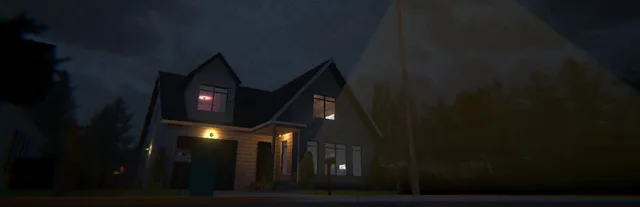
[Nightmare Files] Clap Clap
House-sit a dark 1980s home where the lights only come on when you clap.
PC
Fears to Fathom - Home Alone
Home alone for the weekend, Miles slowly realises he is not.
PC
[Chilla's Art] Night Delivery | 例外配達
One apartment block, a stack of boxes, and someone behind you.
PC
More short horror games
- [Chilla's Art] Aka Manto | 赤マント
- [Chilla's Art] Inunaki Tunnel | 犬鳴トンネル
- [Chilla's Art] Missing Children | 行方不明
- [Chilla's Art] The Closing Shift | 閉店事件
- [Chilla's Art] The Convenience Store | 夜勤事件
- [Chilla's Art] The Ghost Train | 幽霊列車
- [Chilla's Art] The Kidnap | 誘拐事件
- [Chilla's Art] Yuki Onna | 雪女
- [HERROR] Gas Station Case
- 10-103
- 10-103: NULL KELVIN
- a man outside