
Death Park: Scary Horror Clown
Rate itEscape an abandoned amusement park while an evil clown hunts you.
- Platforms
- iPhone, Android, PC
- Price
- Free to play
- Rated
- 4.6 of 5 from 16,574 ratings on the App Store; 4.6 of 5 from 250,780 ratings on Google Play; Very Positive on Steam (82% of 194 reviews)
- Players
- 1
- Made by
- Euphoria Games (Anton Nazarov)
- Released
- 2019
What frightens A clown with a split face full of teeth hunts you through a dark, abandoned amusement park. You sneak between rides, a circus tent, a hospital and basements, and he can turn up behind a door when you least expect it.
Content: disturbing images.
A first-person horror escape game from Euphoria Games set in a huge abandoned amusement park. You explore seven locations, solve puzzles and stay out of sight of an evil clown, with several endings depending on your choices.
About Death Park: Scary Horror Clown
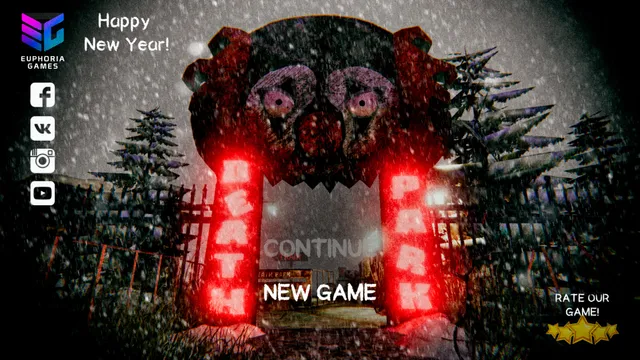
Death Park is a first-person horror escape game by Euphoria Games, released in 2019 for iPhone and Android and on Steam for Windows. The App Store lists it under Anton Nazarov, and its title screen shows the Euphoria Games logo.
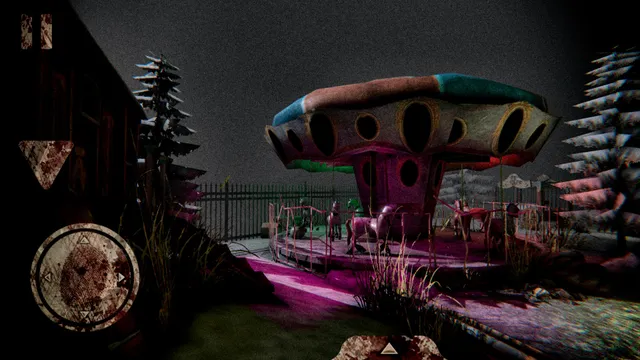
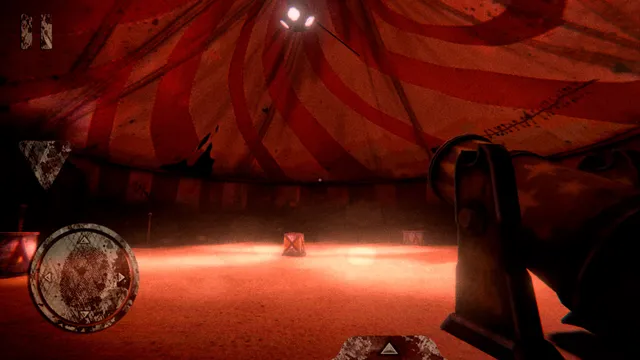
You wake up in a creepy abandoned amusement park where something has gone wrong, and you are alone. The map is large, with seven locations: old abandoned buildings, a hospital, dark basements, mazes and a circus tent. Snow lies on the ground, the rides stand still, and the gate reads Death Park in red lights.
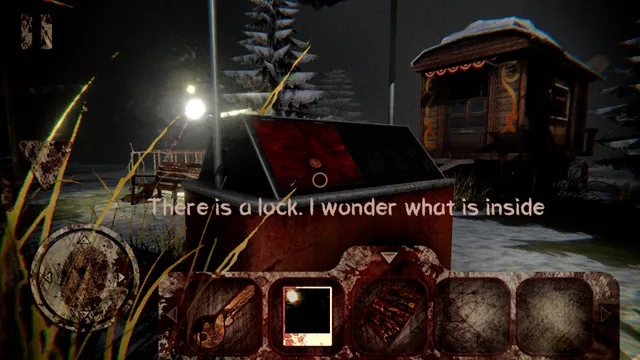
To get out you collect items and solve puzzles, such as finding what opens a locked box. An evil clown hunts you through it all, with its own behaviour, so you move carefully and use stealth to avoid it and its traps. The story has more than one ending, depending on what you do.
On phones it is free, with ads and in-app purchases. A sequel, Death Park 2, followed from the same studio. It suits players who liked Granny-style escapes and want a bigger, outdoor place to explore.
How to play Death Park: Scary Horror Clown
- Start a new game at the park gate and look around the first area.
- Pick up items; they go into the inventory bar at the bottom of the screen.
- Use items on locks and solve puzzles to open new parts of the park.
- Watch and listen for the clown, and keep out of his sight.
- Find a way out of the park; your choices decide which ending you reach.
Screenshots
Tips
- Read the hints the character says when looking at objects, such as a locked box.
- Learn the routes between locations so you can lose the clown.
- Explore every location; the puzzles connect across the park.
Questions
Is Death Park free?
Yes on iPhone and Android, with ads and in-app purchases.
Does Death Park have multiple endings?
Yes. The store says it has multiple endings depending on your choices.
Is Death Park on PC?
Yes. Euphoria Games released it on Steam for Windows in November 2019.
Is there a Death Park 2?
Yes. Death Park 2 is a sequel by the same studio.
Ratings and reviews
No ratings yet. Be the first to rate Death Park: Scary Horror Clown.
If Death Park: Scary Horror Clown frightened you
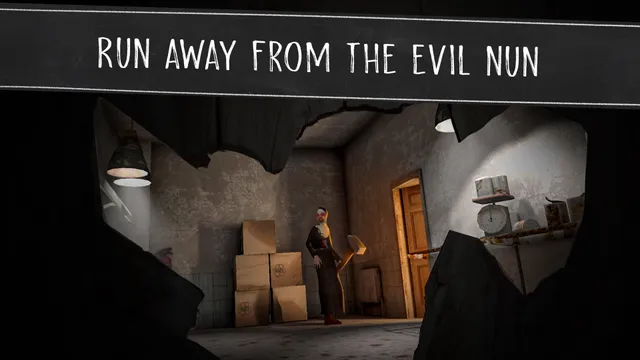
Evil Nun - Horror escape
A mobile horror escape where you solve puzzles and stay out of sight of a stalker, with several…
iPhone / Android
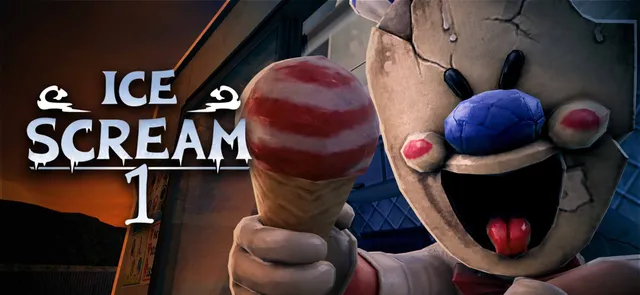
Ice Scream 1: Scary Horror
Mobile stealth-and-puzzles horror against a sinister entertainer figure, the ice cream man
iPhone / Android
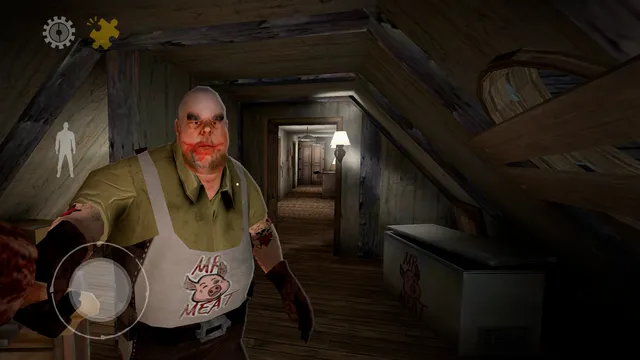
Mr. Meat: Horror Escape
Sneak, solve and escape on mobile while a monstrous adult hunts you through his grounds
iPhone / Android
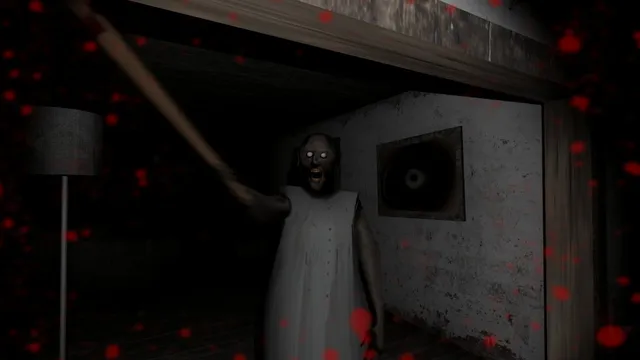
Granny
The mobile hide-and-escape horror that set the pattern: find the items and get out before she…
iPhone / Android / PC

Indigo Park: Chapter 1
Explore an abandoned amusement park and run from the mascot that haunts it
PC

Exhibit of Sorrows
Circus horror with a clown you must not upset
Browser

Baldi's Basics Plus
Collect the notebooks before Baldi and his ruler find you.
PC / Mac / Linux
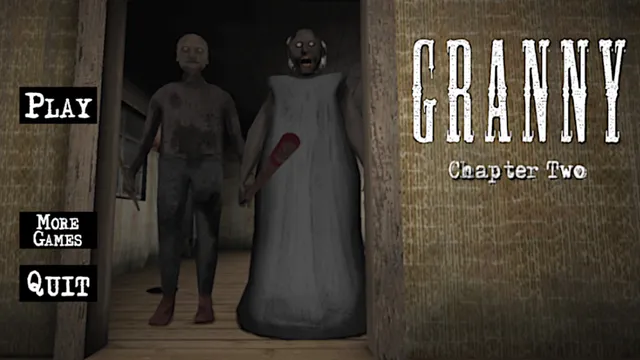
Granny: Chapter Two
Escape Grandpa's locked house while Granny listens for every sound.
iPhone / Android / PC
More horror escape games
- Angels of Death
- Baldi's Basics Classic
- Bendy and the Ink Machine
- Blackout
- Corpse Party (2021)
- Dark Deception
- Detention
- Dreadhalls
- Escape the Backrooms
- Eyes - The Horror Game
- FeedVid Live
- Human Construction Site