Psychological horrorPS1 horror
The Bunny Graveyard
Rate itA cute bunny's garden inside a computer, and something that will not let you leave.
- Platforms
- PC, Mac, PlayStation, Switch
- Price
- Paid
- Rated
- Very Positive on Steam (95% of 1,580 reviews); 4.74 out of 5 from 74 ratings on the PlayStation Store
- Length
- under 3 hours (Comfy Cozy Gaming review)
- Players
- 1
- Made by
- Pichon Games
- Released
- 2023
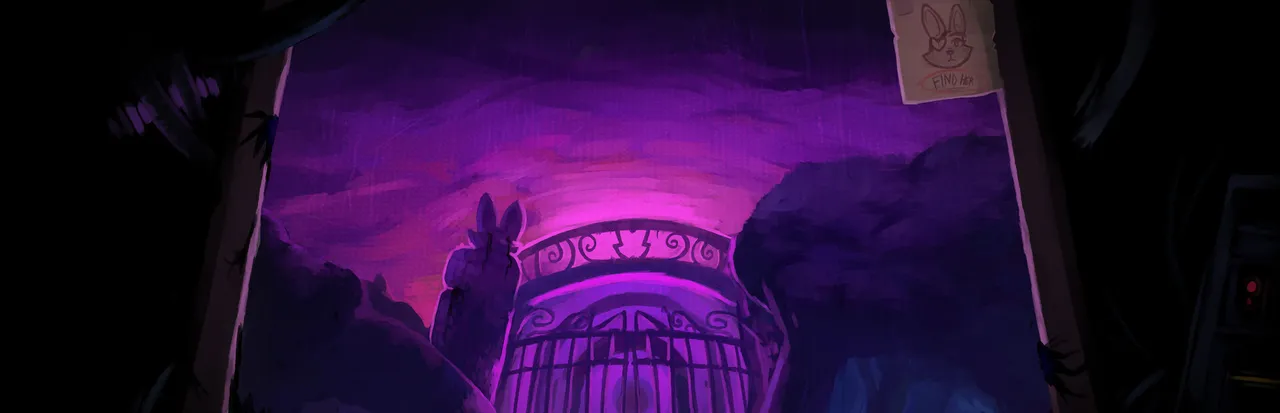
What frightens You are a mouse cursor pulled through a cracked computer screen into a bright pixel-art garden, where Skye the bunny and her gloved Handy Pals welcome you as a new helper. Other characters say you do not belong, the cute world grows darker the further you go, and something inside the computer does not want you to leave. The scares are quiet unease, silent survival sections and some jump scares.
Content: jumpscares, blood, violence.
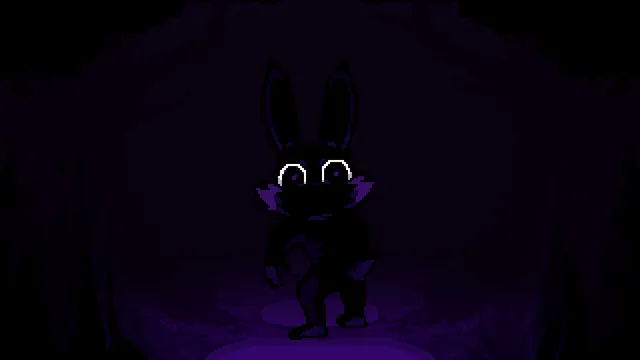
The Bunny Graveyard is a pixel-art horror adventure by Pichon Games. You play a cursor sucked into a Game Boy Advance-style world to help Skye the bunny and her Handy Pals in their garden, between minigames, boxing matches and stealth, while the friendly world turns out to hide something much darker.
About The Bunny Graveyard
The Bunny Graveyard is the first chapter of a planned series by Pichon Games, made by Kenneth Alvarez (Pichon), who handles the programming, art and music, with Jorge Ramirez as writer and creative director. It came out on Steam for Windows and Mac in September 2023, and is also sold on Nintendo Switch and PS5. The makers chose to make each chapter its own game; a sequel, The Bunny Graveyard II, is in development.
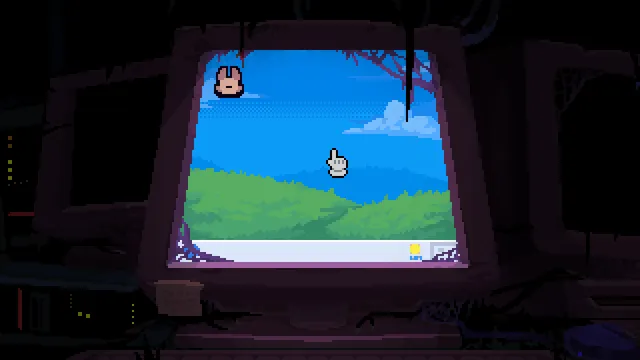
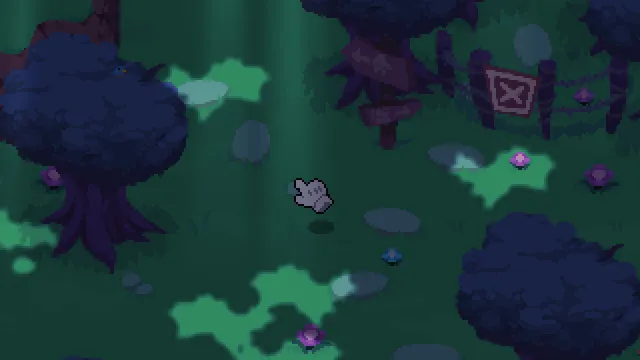
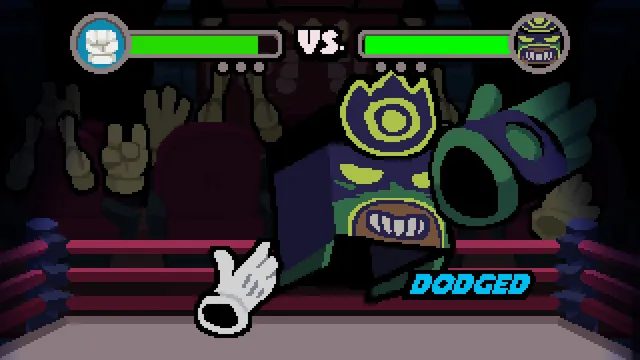
It opens at an old computer, playing a small 8-bit game, until the screen cracks and pulls you in. You become a gloved hand, a cursor, in a bright pixel garden, where a group of mute gloved hands called the Handy Pals lead you to Skye, a friendly bunny who wants a new helper. From there it plays as a top-down adventure built from minigames: gardening, fishing, rock-paper-scissors and hide-and-seek, an underground boxing league modelled on the NES boxing game Punch-Out, and stealth sections later on.
The horror is in how the cheerful world sits on top of something else. Characters tell you that you are different and should not be there, sneaking away from the garden leads somewhere you were not meant to find, and the store page warns of a strange entity inside the computer that will not let you leave. Players praise the silent survival segments and the creepy animated cutscenes; one reviewer was caught by a jump scare while half expecting it, and the PS5 version carries an ESRB Teen rating for blood and violence.
It suits players who like mascot horror and cute-but-wrong worlds, such as Andy's Apple Farm or Pony Island, and who enjoy hunting for collectibles and lore. It is a chapter, so it ends with the larger story still open.
How to play The Bunny Graveyard
- Buy The Bunny Graveyard on Steam (Windows or Mac), the PlayStation Store (PS5) or the Nintendo eShop (Switch).
- Start the story at the old computer and play the opening minigame until you are pulled into the garden.
- Move the cursor around the top-down world, talk to Skye and the Handy Pals and take on their garden tasks and minigames.
- Win the matches and challenges that open new areas, and keep out of sight in the stealth sections.
- Collect the figurines and hidden items along the way to uncover more of the story.
Screenshots
Tips
- Explore off the main path; many collectibles and lore pieces are hidden away from the obvious route.
- Boxing matches can be replayed, so take time to learn each opponent's tells before moving on.
- Pay full attention in the later stealth and fighting sections; a reviewer notes the difficulty rises there.
- Collecting every figurine is optional and takes extra time, so finish the story first if you just want the scares.
Questions
How long is The Bunny Graveyard?
Comfy Cozy Gaming's reviewer finished it in under three hours; many Steam players report three to six hours, especially when collecting figurines.
Is The Bunny Graveyard on PS5 and Switch?
Yes. It is sold on the PlayStation Store for PS5 and on the Nintendo eShop for Switch, as well as on Steam for Windows and Mac.
Is The Bunny Graveyard scary?
It is cute-but-creepy horror: unease, dark turns in a cheerful world, silent survival sections and some jump scares, rather than constant gore. The PS5 version is rated ESRB Teen for blood and violence.
Is there a sequel to The Bunny Graveyard?
Pichon Games says The Bunny Graveyard II is in development, and each chapter is its own game.
Who made The Bunny Graveyard?
Pichon Games: Kenneth Alvarez (Pichon) does the programming, art and music, and Jorge Ramirez writes and directs.
Ratings and reviews
No ratings yet. Be the first to rate The Bunny Graveyard.
If The Bunny Graveyard frightened you
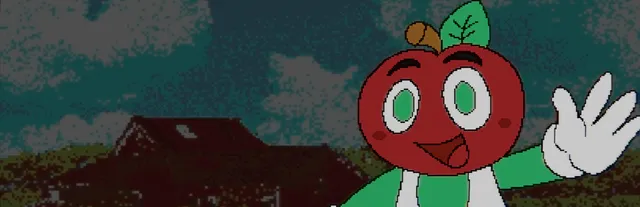
Andy's Apple Farm
A cheerful children's game of smiling characters and minigames that turns out to hide a much…
PC

Pony Island
Trapped inside a malfunctioning game whose cheerful surface keeps breaking to show something…
PC / Mac / Linux
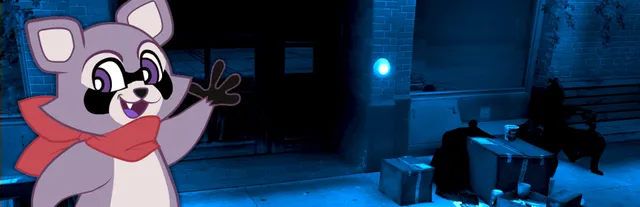
Indigo Park: Chapter 1
Episodic mascot horror where a bright cartoon host and children's branding make the dark turn…
PC

Mr. Hopp's Playhouse
2D pixel-art horror built around a rabbit character who is not as friendly as he looks
PC / iPhone / Android
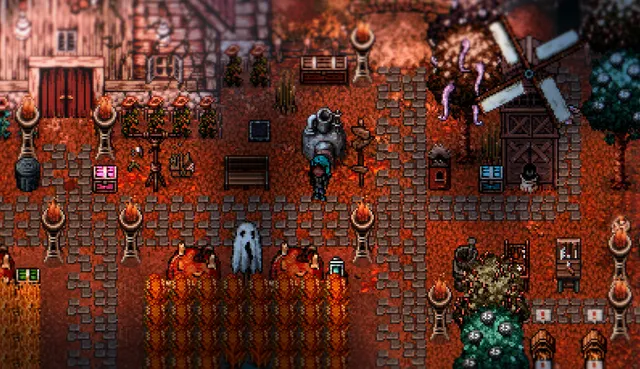
Welcome to Elderfield
Cute pixel art and cozy tasks like farming laid over a world that is quietly wrong
PC
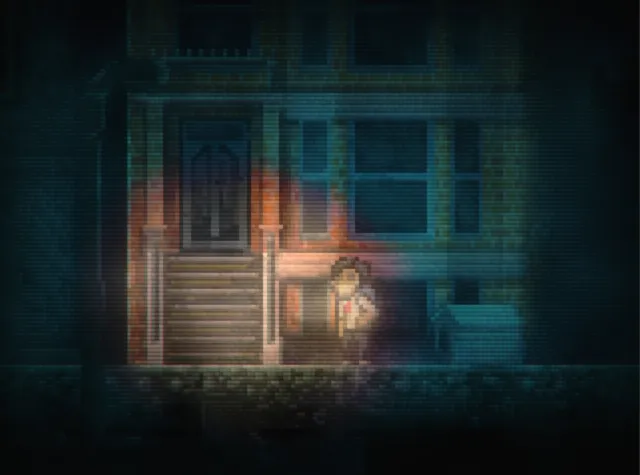
Lone Survivor
Survive a city ravaged by disease, and your own mind.
PC / Mac

The Crooked Man
There was a crooked man, and he moved in before you did.
PC
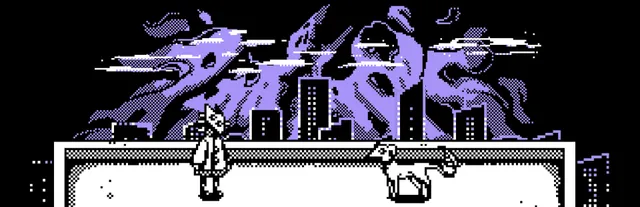
You Will (Not) Remain
Stay inside. Stay safe. Don't let anyone in.
PC
More psychological horror games
- [Chilla's Art] Parasocial
- a man outside
- Alan Wake 2
- Alan Wake Remastered
- Alone in the Dark
- Amnesia: A Machine for Pigs
- Amnesia: Rebirth
- Amnesia: The Dark Descent
- Among Ashes
- Among the Sleep
- Angels of Death
- Anthology Of The Killer